
How to organize and search a personal video library on Mac.
A useful video library does more than show folders. It keeps source files in place, builds a fast visual index, helps people find remembered scenes and faces, and stays understandable when an external drive is offline.
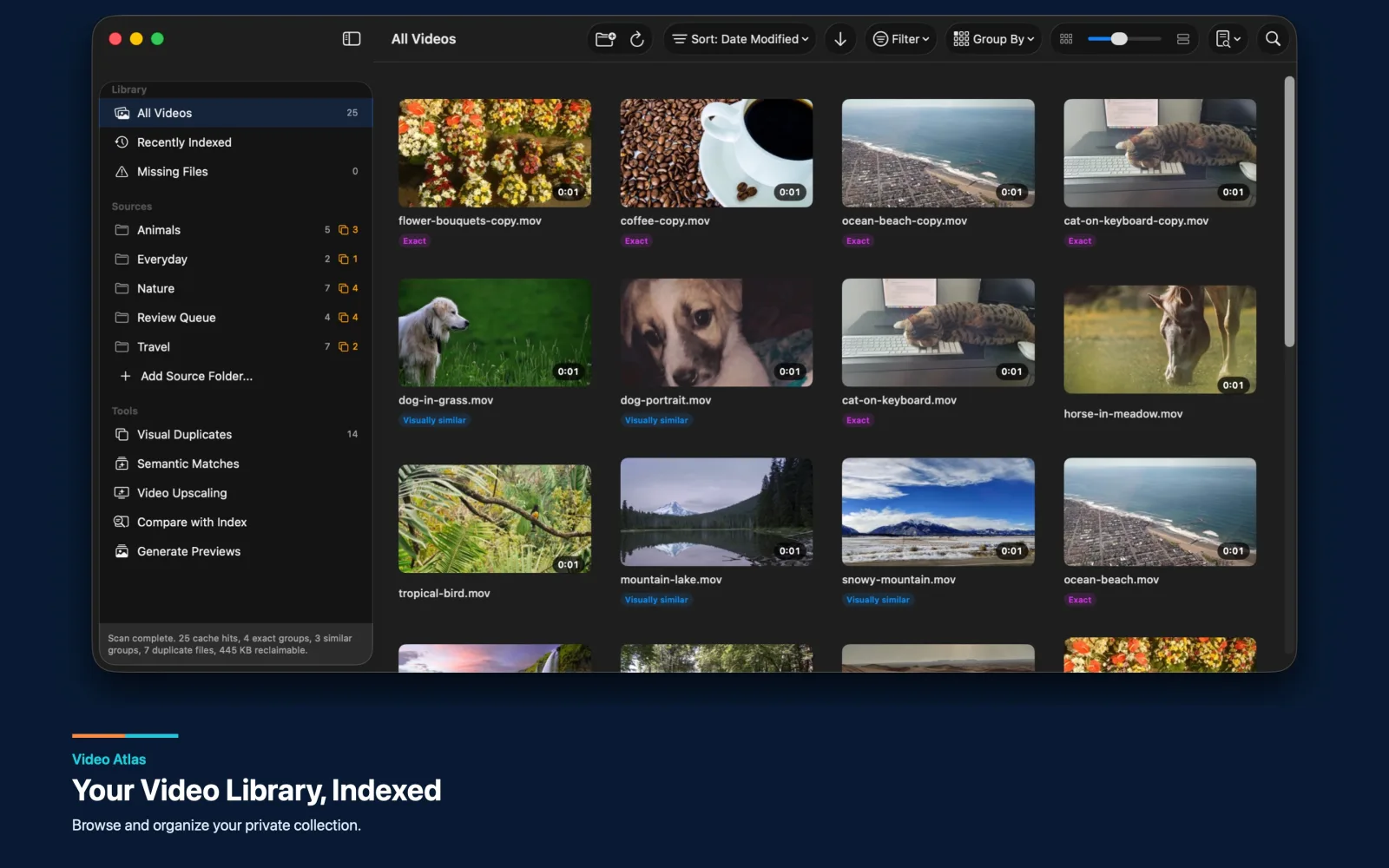
Why folders stop being enough
A folder hierarchy works while a collection is small and every filename still means something. It becomes less helpful after years of camera imports, phone backups, edited exports, downloads, and external-drive archives. The same event may exist in several places, filenames may be automatic, and the useful memory is often visual: the beach at sunset, the person in a blue jacket, or the clip with the train.
The better model is an index layered over the existing folders. The index records paths and metadata, generates previews, and makes the collection browsable without forcing a risky migration. Source videos remain on the Mac or external drive. If a drive disconnects, the app can keep its records visible as unavailable instead of pretending those videos never existed.
Build the library incrementally
Large collections should not be rebuilt from zero every time the app opens. A practical index remembers approved source folders, caches records and previews, reuses unchanged results, and refreshes only new or modified videos. It should also separate “forget this source” from destructive cleanup so removing a folder from the app never implies deleting the original files.
Video Atlas follows this pattern. It can add multiple source folders, retain records from other sources, show cached results immediately, and refresh reachable locations explicitly. Filters for date, duration, file size, format, codec, resolution, source, availability, duplicate status, and preview status turn the index into a working library rather than a wall of thumbnails.
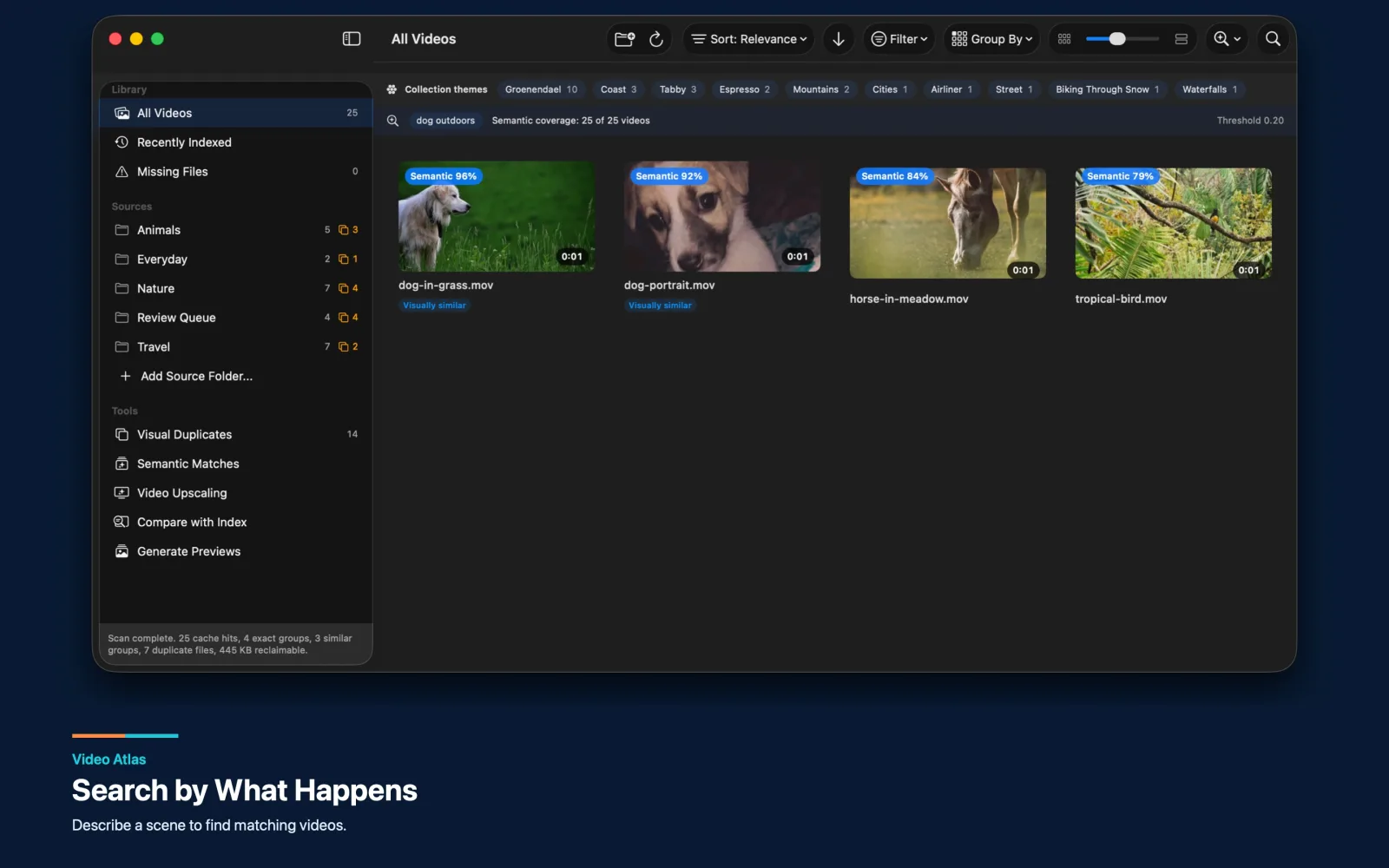
Search by what is inside the video
Metadata search answers questions such as “show videos from this drive” or “find 4K clips from last year.” Semantic search answers a different kind of question: “find the dog running on grass” or “show night city scenes.” The app samples representative frames, creates local embeddings, and compares the query with the indexed content.
People search adds another route into the collection. Recurring faces can be grouped locally, and a selected photo can be used to look for matching appearances. Because faces, personal videos, and remembered scenes are sensitive, local inference is a strong product fit. Video Atlas runs its bundled scene and face models on the Mac rather than sending the media or search request to an external AI provider.
Offer several ways into the same collection: visual browsing for discovery, filters for known attributes, semantic search for remembered scenes, and people search for personal context.
Treat duplicates as part of organization
An organized library should help explain versions, not merely list them. Exact duplicates, re-encoded copies, exports, and visually related clips can clutter every search result. Grouping exact and similar videos makes those relationships visible. A “best available” view can show one representative while keeping every version accessible for review.
Any cleanup action should remain separate from discovery. Show previews, paths, size, duration, codec, resolution, and availability before asking the user to decide what stays. For irreplaceable media, the safe default is inspection first and reversible file handling second.
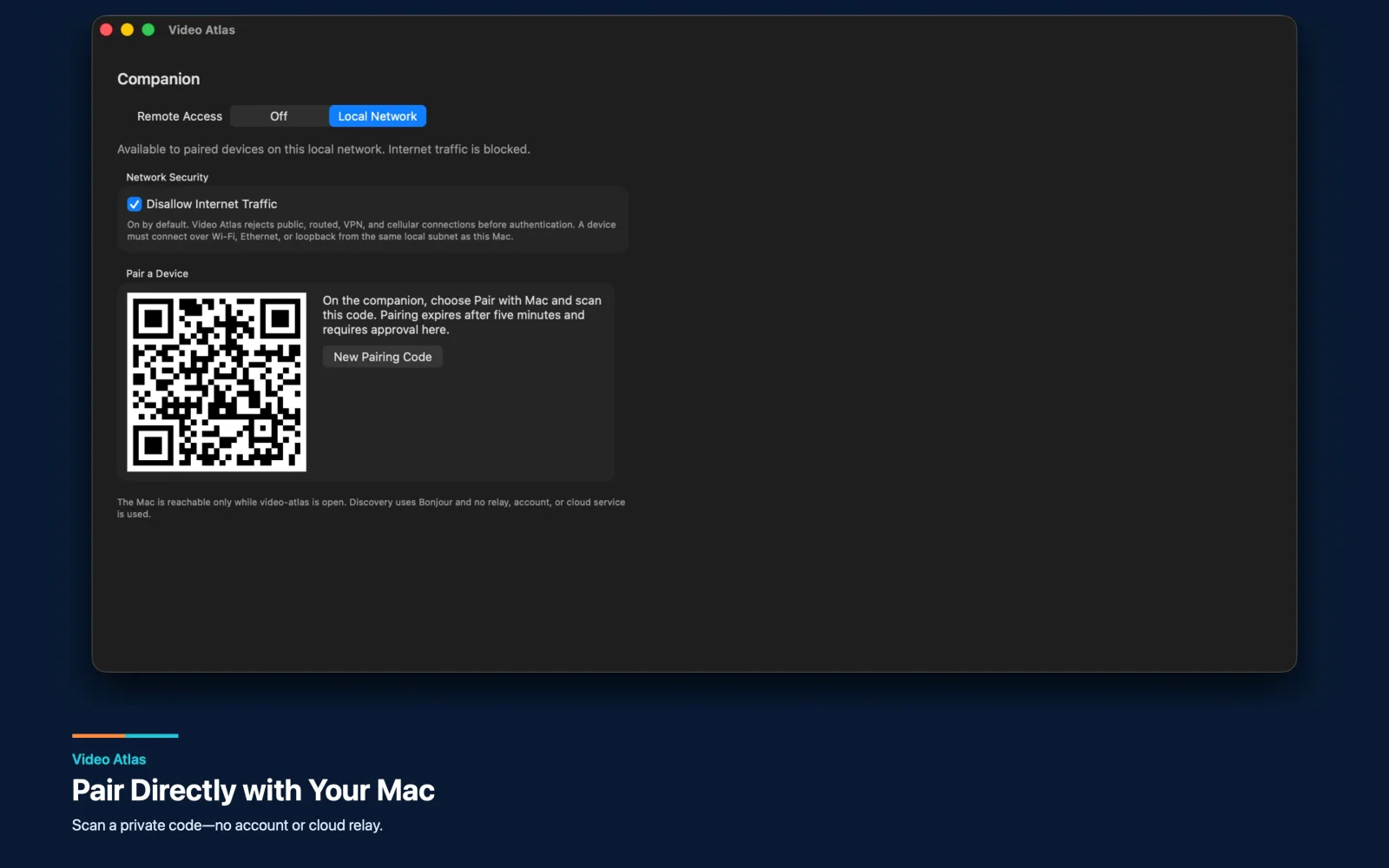
Make the Mac the private library host
A mobile companion does not require a cloud copy of the collection. The Mac can remain the authority for indexing, search, and video preparation while an approved iPhone or iPad browses previews and requests playback over the local network. That design avoids a second library, an account system, and a hosted media bill.
The tradeoff is explicit: the Mac must be open and reachable, pairing and revocation need careful security, and streaming quality must fit the local network. For people who value private access to a personal collection, those constraints can be clearer and more acceptable than an automatic cloud upload.
What to define before building a video library app
Start with representative folders and drives, the expected number and size of videos, formats that must work, the searches users actually make, and the file actions the app may perform. Decide whether the product owns the media or only indexes it, whether offline sources remain visible, and which results must be available without rebuilding the index.
For a companion experience, also define where playback may occur, whether Internet access is allowed, which device is authoritative, and what data the mobile app may retain. These decisions shape the architecture more than the thumbnail grid does.