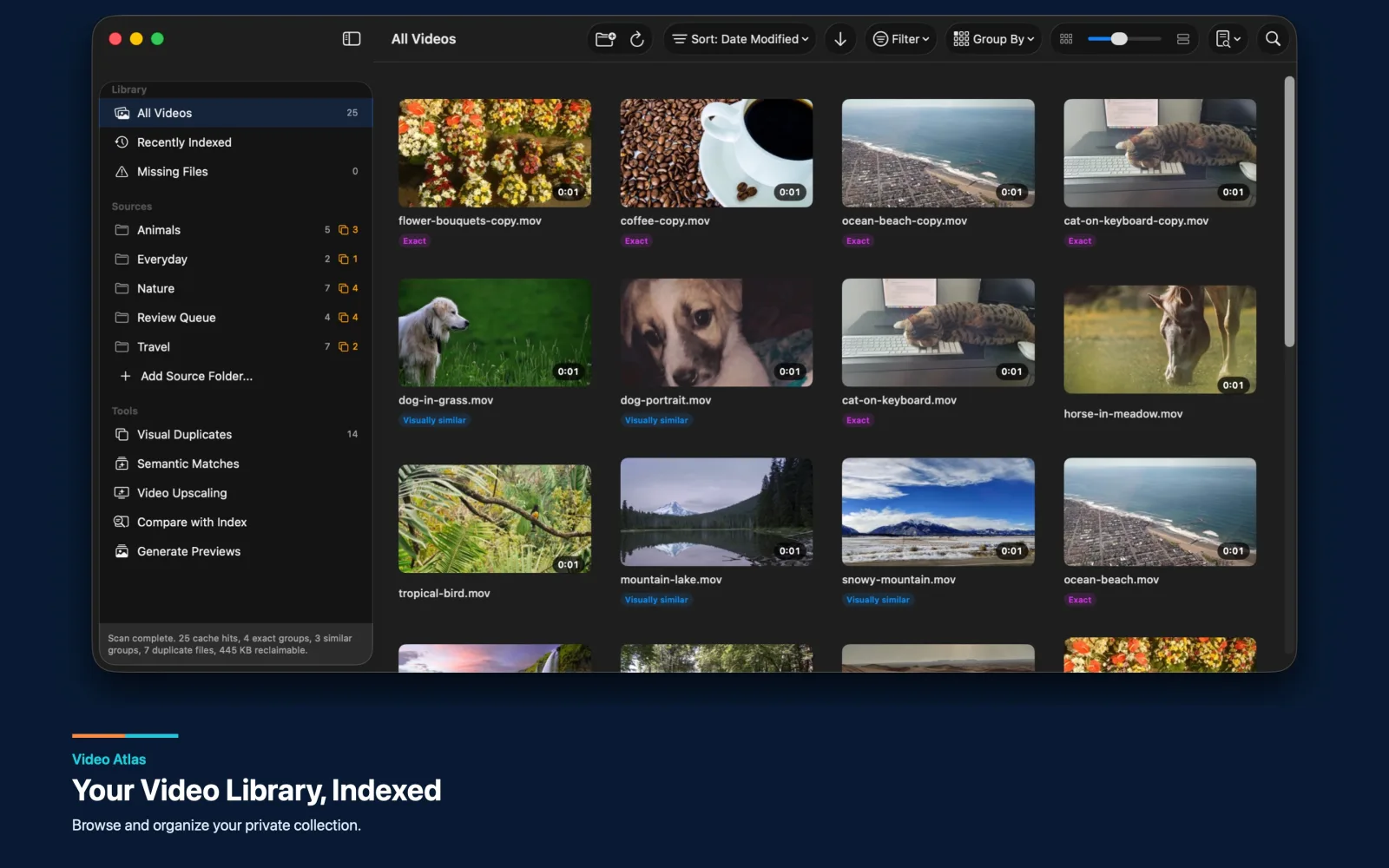

Video Atlas
Indexes videos in place, builds previews, searches scenes and people locally, reviews duplicates, and streams from a Mac to an approved iPhone or iPad.
Read the library guide 604Apps
Mobile product studio
Discuss a video app
604Apps
Mobile product studio
Discuss a video app
604Apps builds focused Mac, iPhone, and iPad workflows for organizing large video libraries, finding the right footage, reviewing duplicates, restoring older clips, comparing results, exporting media, and keeping sensitive collections local.
These are shipping products and production-grade prototypes, not generic portfolio mockups. Together they cover the lifecycle around a personal or professional video collection.
Indexes videos in place, builds previews, searches scenes and people locally, reviews duplicates, and streams from a Mac to an approved iPhone or iPad.
Read the library guide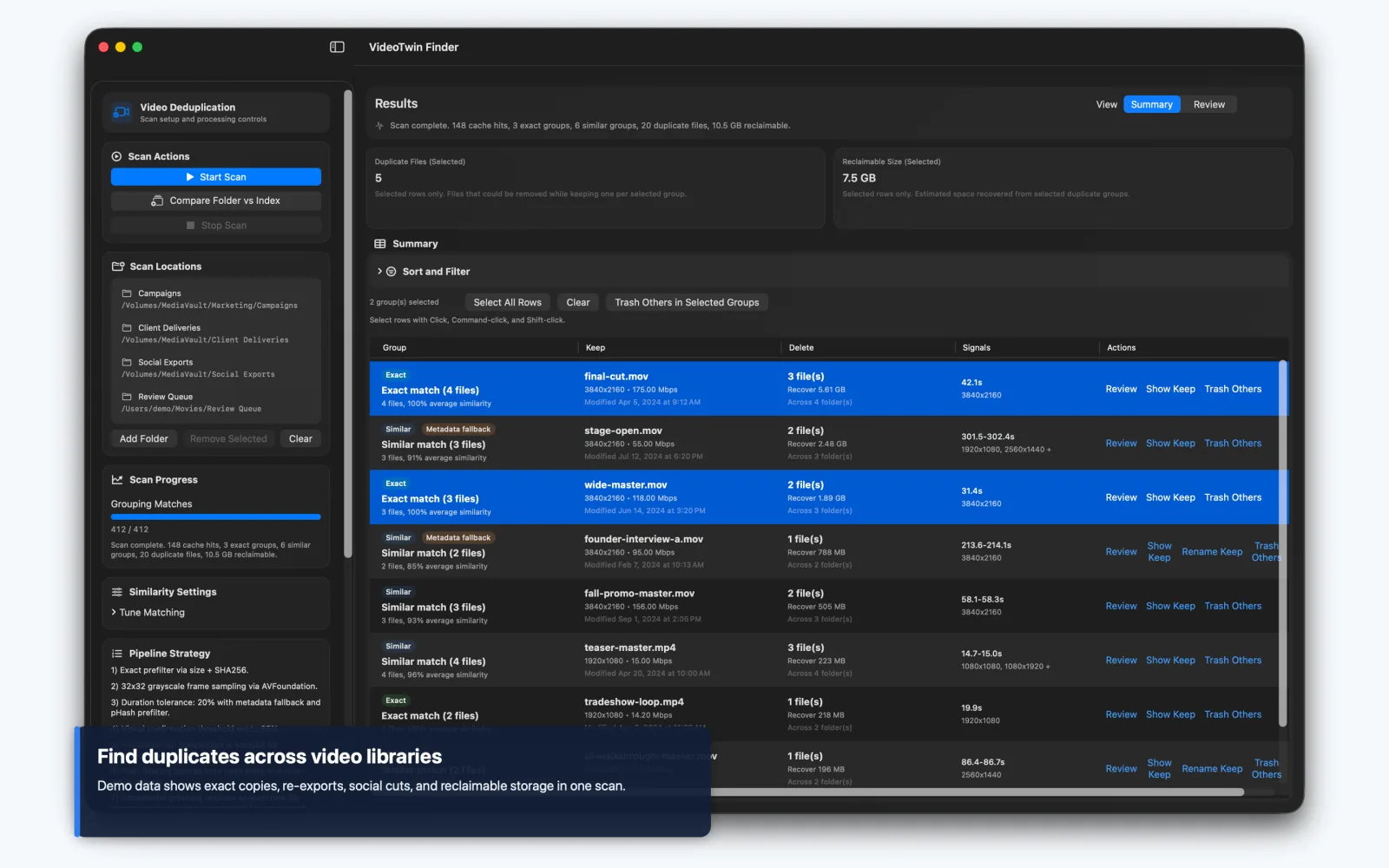

Combines exact file matching with sampled-frame similarity, cached indexes, reclaimable-space triage, and careful review before files move to Trash.
Read the duplicate guide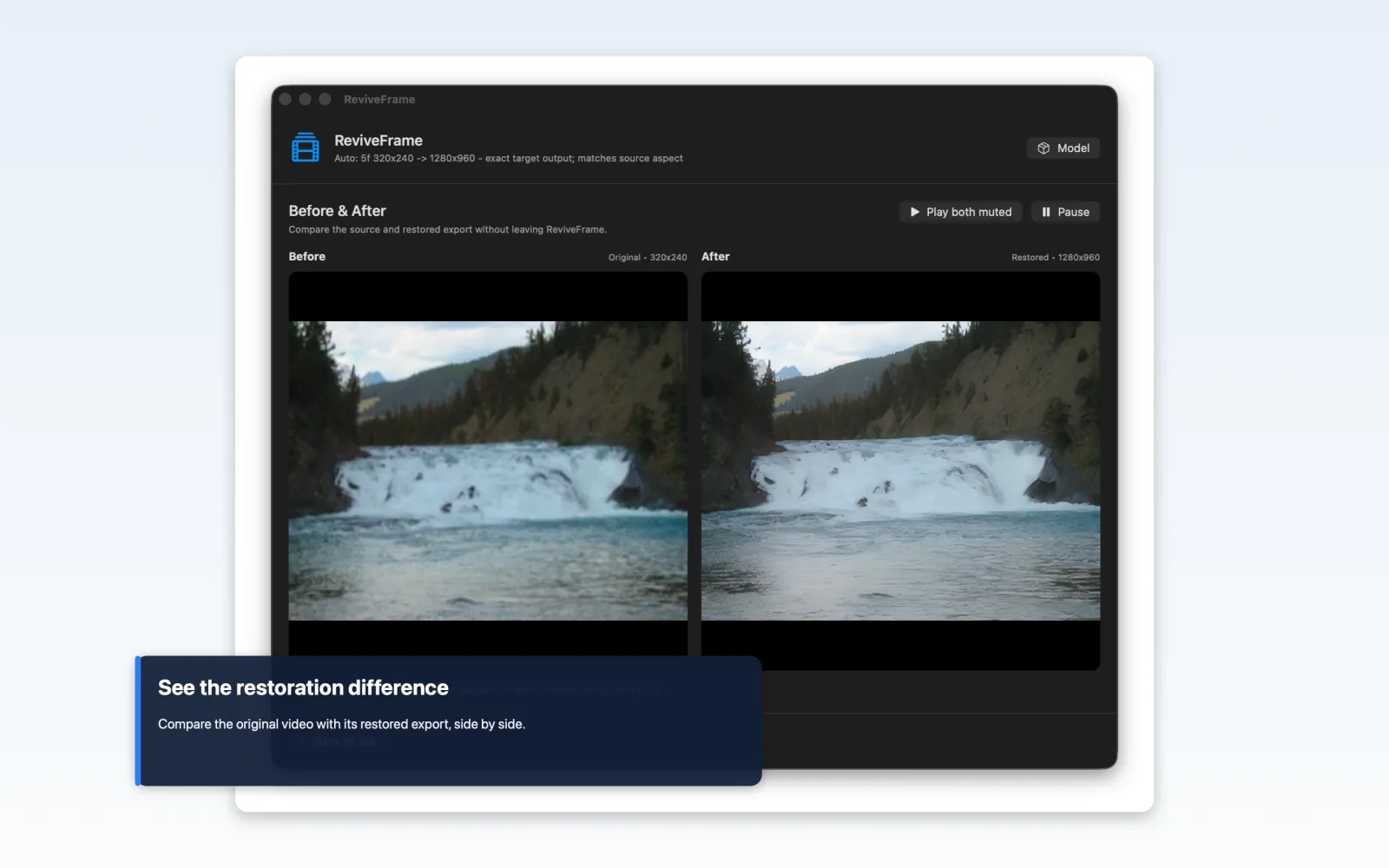

Uses AI to restore and upscale older, low-resolution footage locally on the Mac, supports practical output targets, preserves the original, and makes before-and-after review part of the workflow.
Useful video software depends on media handling, background work, durable indexes, clear comparison tools, and honest failure states. Those technical choices shape the product experience.
Video workflows touch large files and irreplaceable memories. The product should separate indexing from deletion, preserve source footage during restoration, expose output choices, and let people compare before committing to a result.
Local-first does not mean silent or simplistic. A good app explains which folders it can access, what it caches, how long processing may take, and what will be created, renamed, exported, or moved to Trash.
Share the target Apple devices, representative source videos, the current workflow, and the result the app should produce. 604Apps can turn that into a focused first release.